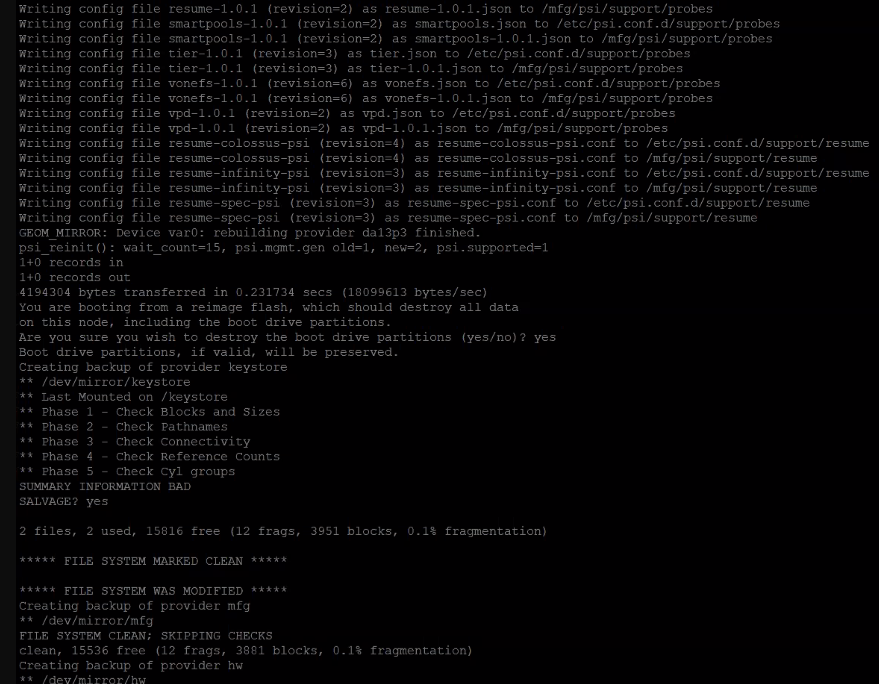
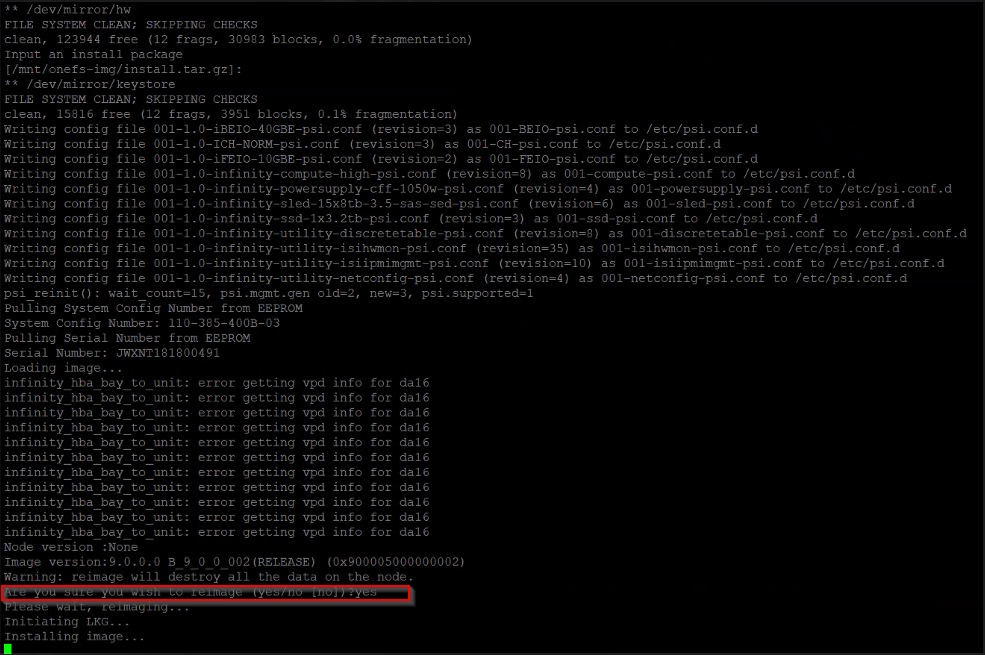
Node Reimage
Problem:
Node will not power on or won't join a cluster
Possible Cause:
Corrupt kernel
Resolution:
- Log into Dell support site - Support Site
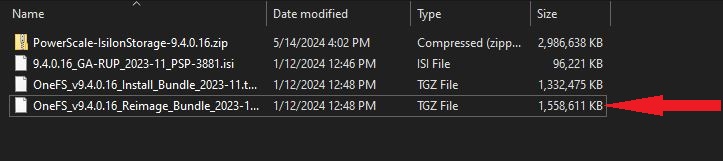
- Search and download the OneFS version that you need to reimage the node to
-
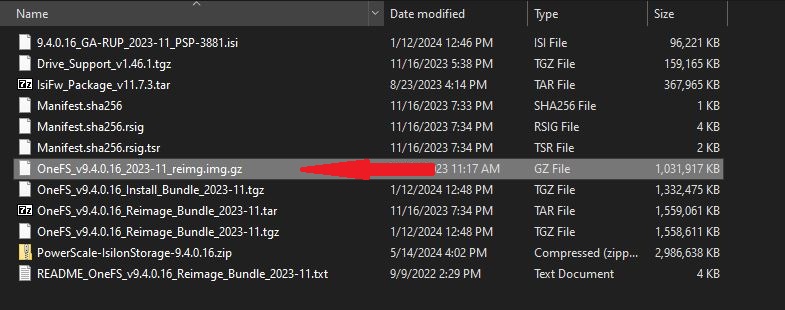
Unzip the reimage file until you get to the mbr image
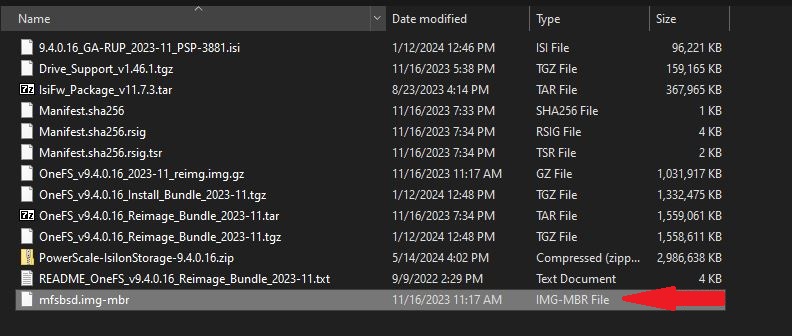
-
Using Rufus or Yumi create a bootable USB
- Insert the USB into the top USB port on the back of the node being reimaged
- Leaving the Infiniband cables unplugged, power on the node
-
During the boot process, press enter when you see the message below
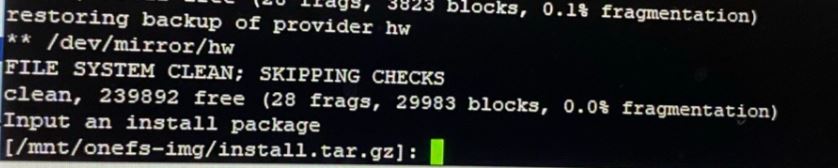
-
At the prompt Are you sure you want to proceed type yes
- The node will run through the reimaging process and it will power down
- Remove the flash drive and power the node back on without the Infiniband cables connected
- Once at the prompt to join or create new cluster, plug in the Infiniband cables and then join cluster