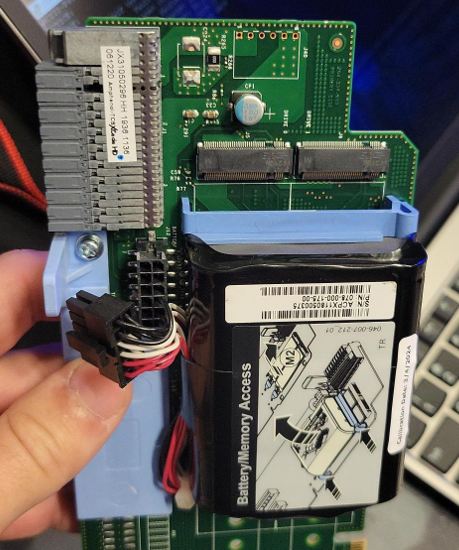
Gen 6 BBU
- Replace battery and riser, order these together as a set.
- Check firmware that needs to be upgraded
isi upgrade firmware devices | grep bcc_infinity
- Update node FW
isi upgrade cluster firmware start --nodes-to-upgrade=<node number> --include-device=<firmware from above command> --rolling
If you receive a syntax error here, follow instructions on building the right syntax. It can vary slightly between OneFS versions
- Checking battery status
isi_hwmon -b BatteryMonitoring
isi batterystatus list
Helpful Commands if Stuck
Force battery test
isi_hwmon -s
Can take up to 20 minutes\
Verify battery test
grep -i "battery test" /var/log/isi_hwmon.log
Disable read-only status
/usr/bin/isi_hwtools/isi_read_only --unset=system-status-not-good
Stale Upgrade
isi upgrade archive --clear
isi upgrade view
isi upgrade nodes firmware progress list
isi upgrade view
isi upgrade node list