Control Station Replacement
Control Station Replacement
- Dafult login is nasadmin/nasadmin or root/nasadmin
- If failing over from 1 CS to the other, the new secondary CS will reboot as part of the process
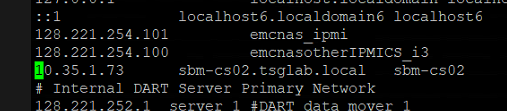
- First attempt should be swapping the original drive into the replacement CS. Not following essentials. Get IP’s first from /etc/hosts or /nas/sbin/navicli -h spa domain -list. Celerra_sbm_cs01 and Celerra_sbm_cs02
- If after boot, reboot or boot loops likely OS is corrupt, common issue. Need to get exact matching DART code. EX EI_DVD_7.1.80.7.iso
- If doing reload follow essentials, be sure to shut down peer CS as well.
- Log into the primary CS and run /nas/sbin/getreason
- Can also run from the secondary /nasmcd/getreason
- To get CS primary again run /nasmcd/sbin/cs_standby -takeover NAS services should start on their own
- Unisphere connects to whichever CS is primary with NAS services running
- 11 reason code is healthy, 0 is faulted or reset
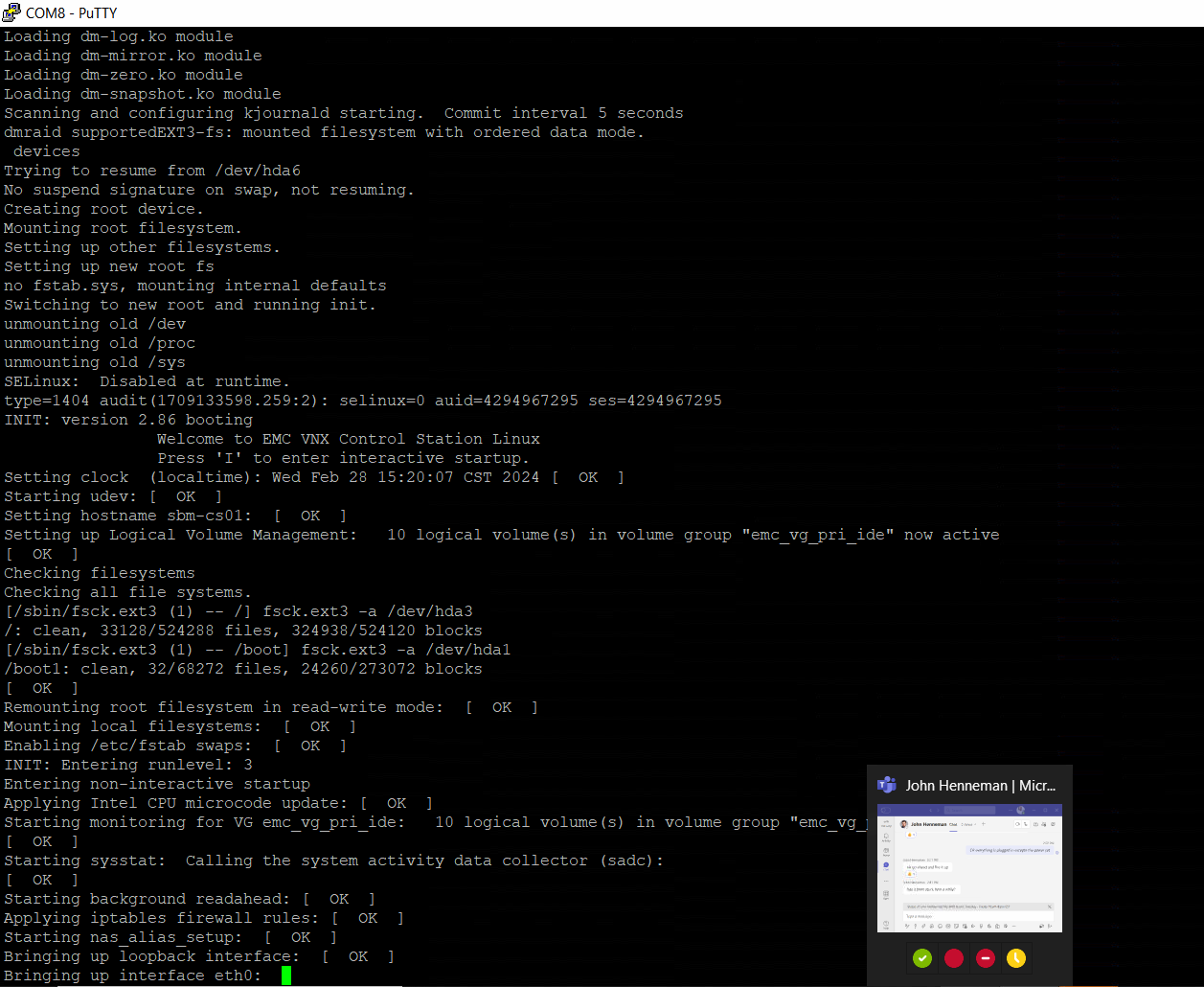
Normal Boot
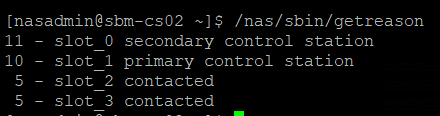
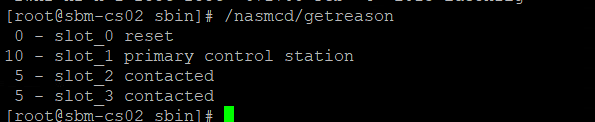

Normal FS with primary CS and NAS services running
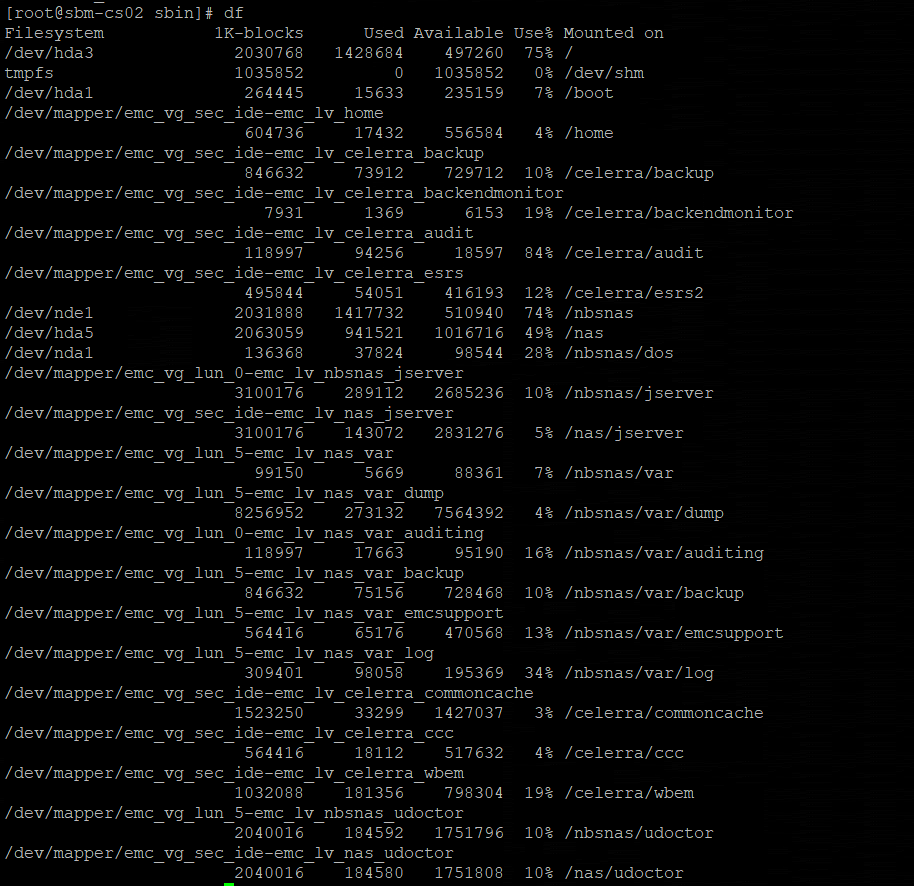
Fix bad sectors:
RUNNING FSCK ON LINUX CONTROL STATION ROOT VOLUME:
1. In Dual Control Station environments, log into CS1, unmount partition, and run command
/sbin/e2fsck -f -y -v /dev/sdc3
Caution: Do not run this command without seeking a 2nd opinion!
2. Alternatively, if single Control Station, boot to single user mode, or unmount volume and run e2fsck
Comment: e2fsck is used to FS Check a linux second extended FS
RUNNING FSCK ON DOS PARTITION:
/sbin/fsck -t msdos -V -v -l /dev/nda1
RUNNING FSCK ON CS0 FROM CS1:
1. Power down CS0 #/nas/sbin/t2reset pwroff -s 0
2. Identify Root & Boot partitions on CS0: #cat /nas/dos/slot_0/boot.bat
CS0=/dev/sdc1 for boot & /dev/sdc3 for root
CS1=/dev/sdd1 for boot & /dev/sdd3 for root
3. Run FSCK on boot & root partitions:
/sbin/e2fsck -y -p /dev/sdc1
4. Mount root and boot partitions:
mount /dev/sdc3 /mnt #mount /dev/sdc1 /mnt/boot #umount /mnt/boot
5. Powerup CS0: #/nas/sbin/t2reset pwron -s 0