F5 VPN
Connecting to F5 VPN
- On your task bar click on the carrot "^" to show hidden icons

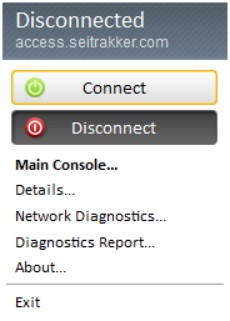
- Right-click the F5 icon

- Select Connect
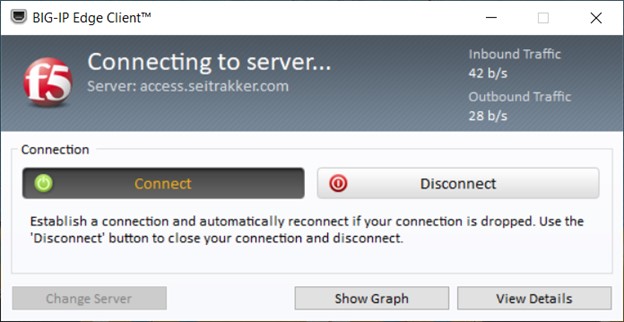
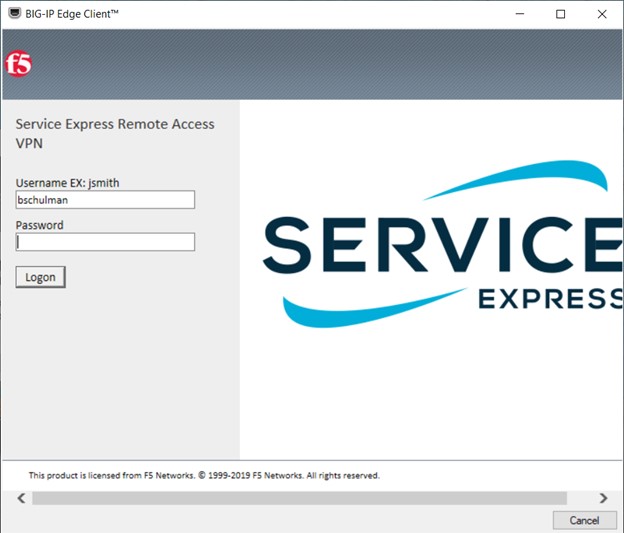
- F5 Connection status will display then prompt for username and password
- Username and Password are the same as for Trakker
- Accept the DUO push for TFA and you're connected